

Quick Verdict
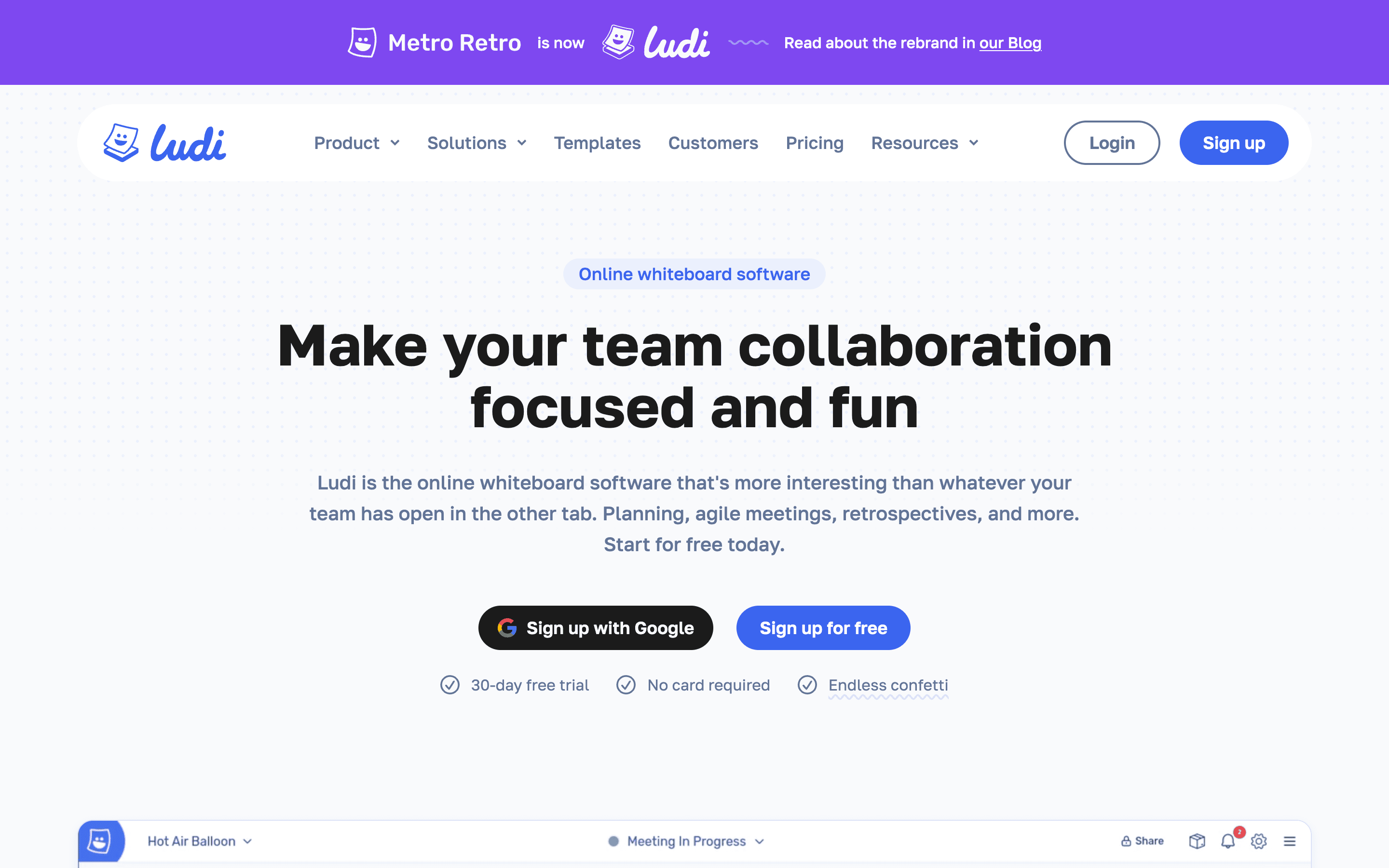
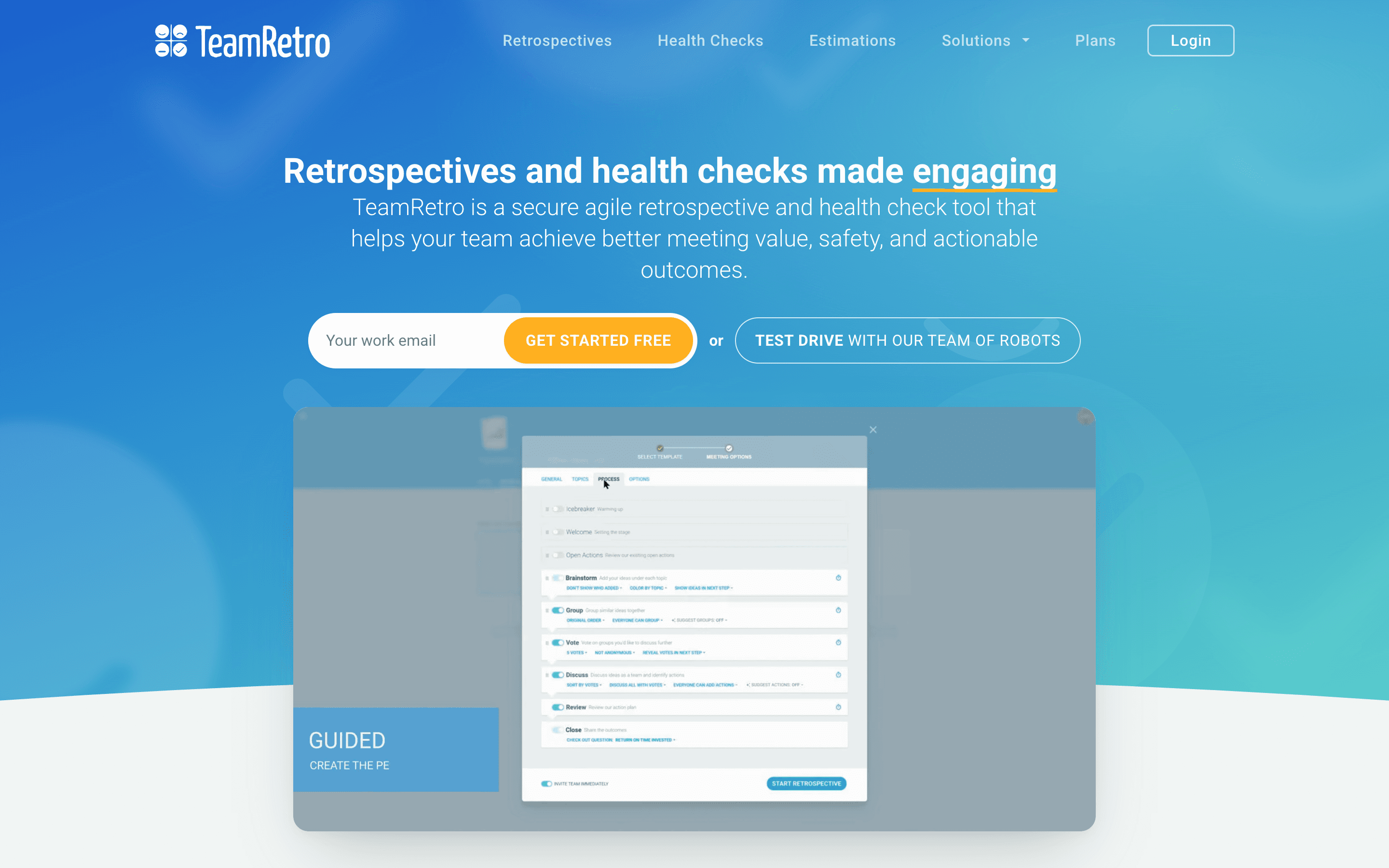
Metro Retro (recently rebranded to Ludi) is a whiteboard-first retro tool. TeamRetro is a facilitation-first retro platform.
If your team thrives on visual, playful collaboration — stickies with hand-drawn illustrations, confetti cannons, jukebox music during brainstorming — Metro Retro makes retros feel less like a meeting and more like a workshop. The canvas-style interface doesn't look like anything else in the retro tool market, and the 115+ templates are some of the most creative you'll find.
TeamRetro takes the opposite approach. It walks your facilitator through each phase step-by-step, groups cards with AI, tracks sentiment across sprints, and ships health checks and planning poker alongside retros. It also carries SOC 2 Type II certification and connects to 15 workflow tools. If your retros need to produce tracked outcomes and not just a board of colorful cards, TeamRetro is the better tool.
Feature Comparison
The core retro mechanics overlap: both have anonymous feedback, voting, timers, action items with owners. But they use these building blocks very differently.
TeamRetro's guided facilitation locks the team into a sequence: brainstorm, group, vote, discuss, assign actions. Presentation mode keeps everyone on the same screen. AI groups related cards during affinity mapping, which saves real time when you have 40+ stickies on the board. Sentiment analysis (added in 2025) gives engineering managers timeline visualizations and heat maps of team mood across sprints. Health checks run as standalone sessions with four pre-built models and 15 maturity templates, tracked over time.
Metro Retro gives facilitators a canvas instead of a workflow. You get Meeting Mode with host controls (timer, ready check, polls, private writing with one-by-one reveal), but there's no enforced step sequence. The tool leans hard into engagement gadgets: spinners, buzzers, counters, hats, a jukebox. It's the only retro tool that feels like it was designed by people who actually enjoy meetings. The 115+ templates span retros, icebreakers, estimation, futurespectives, and product management workshops.
Metro Retro has zero AI features — no AI summaries, no AI grouping, no sentiment analysis. TeamRetro has all three. If your team generates a lot of feedback, AI grouping alone saves 10-15 minutes per session that Metro Retro puts back on the facilitator.
The analytics gap matters too. TeamRetro dashboards track action completion rates and sentiment trends across sprints. Metro Retro has no cross-retro analytics. You can export individual boards to CSV or PDF, but after six months of retros there's no way to answer "are things actually getting better?"
Pricing Comparison
Both removed their free tiers — Metro Retro cut its free plan in September 2024, and TeamRetro has never had one. Both offer 30-day trials.

Metro Retro
Starter plan (annual), min 2 members
- Business $6/user/mo: Jira, SSO, cross-team collab
- Per-member pricing — every user needs a license
- Unlimited read-only viewers on all plans
- Enterprise: custom pricing, on-premise option

TeamRetro
Single Team — up to 25 members, flat rate
- Small Org $60/mo: 3 teams, unlimited members
- Per-team pricing, not per-user
- SSO/SAML included on every paid plan
- Enterprise: SOC 2, SCIM, IP whitelisting
These are completely different pricing models. Metro Retro charges per member ($4-8/user/month depending on plan and billing cycle). TeamRetro charges per team ($25/month flat for one team of up to 25 people).
For a 5-person team, Metro Retro is cheaper: $20-40/month vs $25/month. But that math flips fast. A 15-person team on Metro Retro Business pays $90-120/month. That same team on TeamRetro pays $25/month. At 25 people, TeamRetro's per-team model is dramatically cheaper. Jira integration requires Metro Retro's Business plan ($6-8/user/month), while TeamRetro includes all integrations on every plan.
Ease of Use
Metro Retro feels more like Miro or FigJam than a retro tool. You drag objects around a canvas, resize things, draw connections. The hand-illustrated style gives boards personality, and the engagement gadgets (confetti, hats, buzzers) make sessions feel playful. New users get the vibe immediately. But the canvas freedom means facilitators need to manage the flow themselves — there's no autopilot.
TeamRetro has more to learn because it does more, but the guided workflow means less can go wrong. A first-time facilitator can advance through the phases and get a solid retro without knowing what they're doing. The interface is functional rather than fun — clean, structured, purpose-built. Mobile responsiveness also gives TeamRetro an edge for remote team members joining from phones.
Metro Retro's whiteboard-style interface likely doesn't work well on mobile screens. If your team has members who sometimes join retros from phones or tablets, TeamRetro's responsive web interface is the safer bet.
Integrations
TeamRetro connects to 15 tools: Jira (with two-way sync since December 2025), GitHub, Linear, Azure DevOps, Confluence, Slack, Microsoft Teams, Trello, Asana, Basecamp, ClickUp, Monday.com, Notion, Shortcut, and GitLab. All are export-oriented — push action items to your project tracker, publish summaries to Slack or Confluence.
Metro Retro has Jira integration on the Business plan (import issues via JQL filters, convert stickies to Jira issues, inline field editing) and CSV import/export. That's it. No Slack, no Teams, no GitHub, no Linear, no Confluence. If your team's workflow depends on action items flowing into Slack channels or GitHub issues after a retro, Metro Retro can't do that.
AI and Automation
TeamRetro shipped a lot of AI in 2025. Card grouping suggests clusters during affinity mapping. Meeting summaries auto-generate with key metrics. Sentiment analysis tracks team mood across retros with timeline visualizations. Even the icebreaker questions are AI-generated. They upgraded the underlying models in mid-2025.
Metro Retro has no AI features. None. No summaries, no grouping, no sentiment analysis. Everything is manual. For a team of six writing a dozen cards, that's fine. Once you hit 15+ people producing 50+ cards, the facilitator is spending 10-15 minutes dragging stickies into clusters by hand while everyone else watches.
Who Should Choose Which?
Choose Metro Retro if…
- Your team values creative, visual collaboration over structured workflows
- You want engagement gadgets (jukebox, confetti, spinners) to make retros feel less like a chore
- Your team is small (under 10) and the per-user pricing stays affordable
- You need deep Jira integration with two-way issue syncing and JQL import
- You run workshops, futurespectives, and planning sessions beyond just retros
Choose TeamRetro if…
- You need retros, health checks, and planning poker in one platform
- Your organization requires SOC 2 Type II, SCIM, or IP whitelisting
- Your team is 10+ people and per-team pricing saves real money over per-user
- You want AI grouping, sentiment tracking, and analytics to measure retro effectiveness
- Your facilitators rotate and you need consistent quality without experienced hosts
Final Recommendation
TeamRetro wins for most teams. The guided facilitation, AI features, health checks, planning poker, 15 integrations, and SOC 2 compliance add up to a platform that treats retros as a measurable improvement practice rather than a one-off meeting. At $25/month for a team of up to 25 people, it's also cheaper than Metro Retro for any team larger than about 6 people.
Metro Retro has something TeamRetro doesn't: personality. The canvas boards, hand-drawn illustrations, and engagement gadgets make retros actually enjoyable. Small creative teams with strong facilitators who don't need analytics or compliance will have more fun here. Metro Retro also handles workshops, futurespectives, and planning sessions that TeamRetro can't touch.
But fun doesn't track action completion rates. If you need proof that your retros are actually changing how the team works, TeamRetro gives you that data.